Sheen significantly increases the number of animation frames, especially on larger canvases and slow speeds. Do not add too many animations when sheen is enabled.
Z-Order
Appearance
50%
25
60%
Mode
Loop: enters off-screen · Bounce: reflects back
Motion
Direction
6px
Offset & Travel Area
Offset
0%
0%
Travel Area
100%
100%
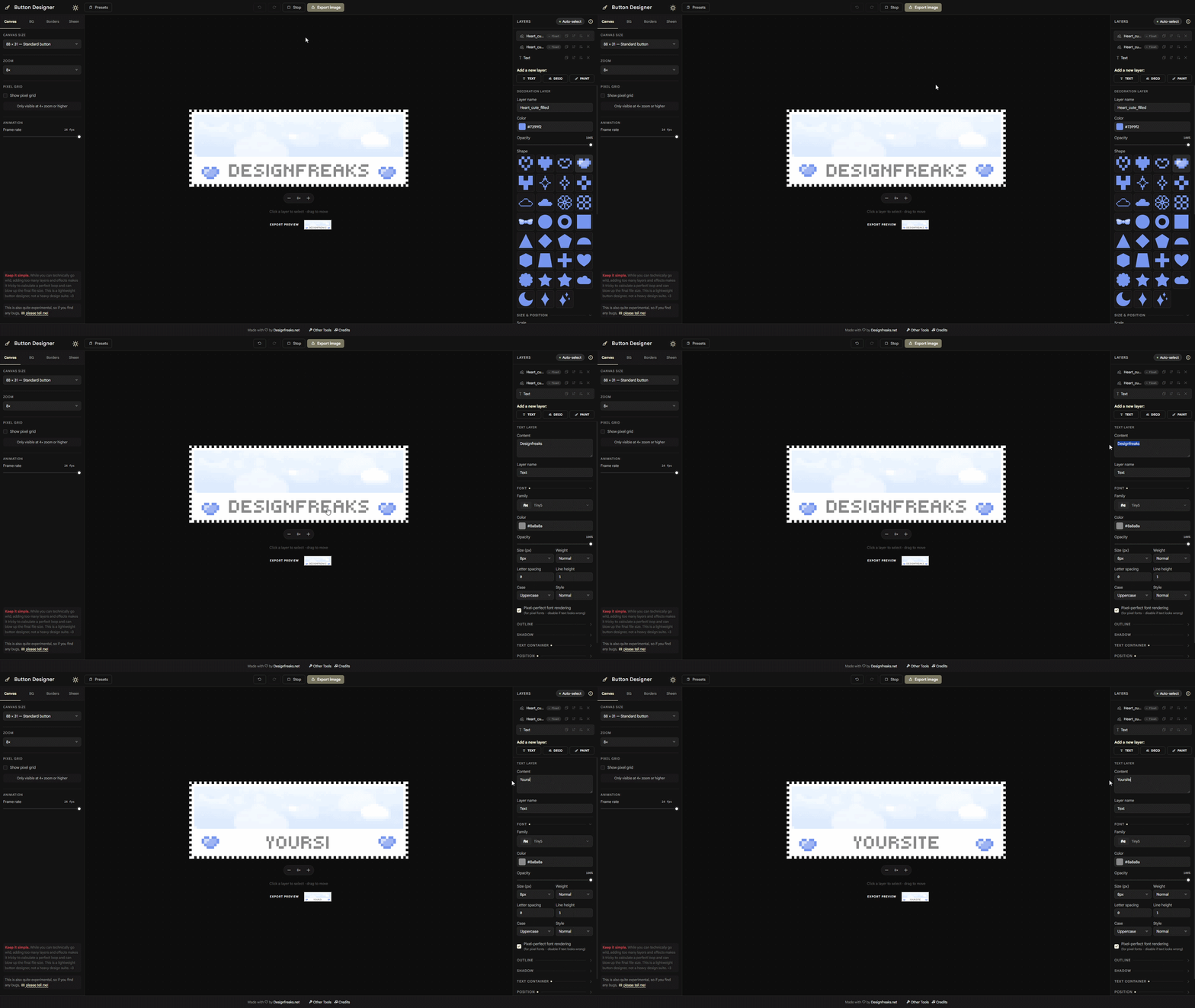
Keep it simple.
While you can technically go wild, adding too many layers and effects makes it tricky to calculate a perfect loop and can blow up the final file size. This is a lightweight button designer, not a heavy design suite. <3
This is also quite experimental, so if you find any bugs, please tell me!
8×
Click a layer to select · drag to move
Export preview
Layers
Auto-select: Click directly on a layer in the canvas to select & move it.
When off, only the layer selected in this panel can be dragged.
Select or add a layer
Export
High frame count. With many animations active, a perfectly seamless loop is not always guaranteed. Try disabling Sheen or increasing its speed to reduce the frame count. Try reducing active animations or increasing their speed.
Consider Animated WebP. Your design uses colors or gradients that may look washed out in GIF's 256-color limit. WebP preserves full color quality.
Keep this tab focused during export. Switching to another fullscreen app may pause the export until you return.
Loop duration: 0.0s (0 frames)
Choose a format. Animated exports loop infinitely. WebP will animate in browsers, but may appear static in your system's photo app.
Rendering frames…
Presets
Loading…
Button Designer
Easily create animated buttons and banners!
This tool can only be used on a larger screen and is not optimized for touch. A keyboard and mouse is recommended.